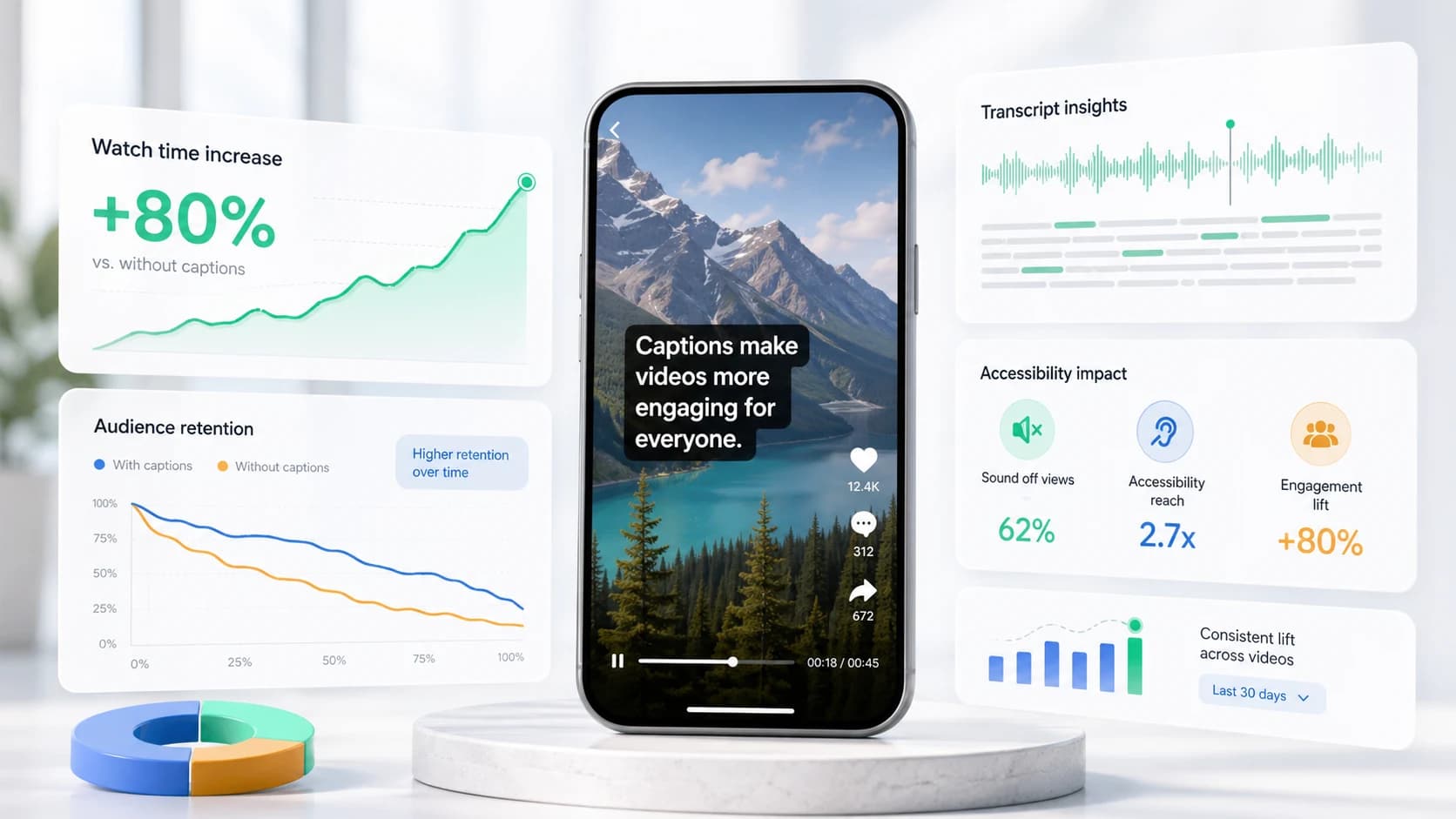
If you searched youtube shorts length, youtube shorts duration, or how long can a youtube short be, the official answer in 2026 is three minutes maximum for vertical or square uploads after October 15, 2024. The practical answer for creators is different: use the shortest cut that still delivers the payoff. Retention beats duration.
Validate any clip at /tools/youtube-shorts-length — enter seconds or mm:ss to see eligibility, percent of the 180s cap, and a content-tier match.
YouTube Shorts max length (2026)
- Maximum: 3 minutes (180 seconds).
- Aspect ratio: 9:16 vertical (1080×1920 standard).
- Square vertical also qualifies when under the duration cap.
- Horizontal 16:9 may not enter the Shorts swipe feed even if short.
Ideal YouTube Shorts length by format
- Hook or one-liner: 5–15 seconds.
- Quick tip: 12–25 seconds.
- Before/after: 15–35 seconds.
- Mini tutorial: 30–60 seconds.
- Story or commentary: 45–90 seconds.
- Deep explainer: 90–180 seconds only if every beat earns attention.
Why shorter usually wins
YouTube rewards completion and rewatches, not raw minutes. A 25-second Short watched twice can beat a 120-second Short that loses half the audience after the hook. Caption the hook immediately — mute viewers decide in the first second whether to keep watching.
Captions and length together
Longer Shorts need clearer structure: visible beats, shorter lines, and captions that mark each section. Use /tools/safe-zone-preview so text stays above Shorts UI, then export burned-in captions from SoCaptions so every viewer sees the words in the feed.
FAQ
How long can a YouTube Short be?
YouTube Shorts can be between 3 seconds and 3 minutes (180 seconds) long. The 3-minute cap applies to vertical (9:16) and square videos uploaded after October 15, 2024. Horizontal videos may not enter the Shorts swipe feed even if they're under 3 minutes.
What is the minimum length for a YouTube Short?
YouTube Shorts must be at least 3 seconds long. There's no published minimum for feed eligibility, but extremely short clips (under 5 seconds) are rarely recommended — the algorithm needs enough watch-time signal to surface the video.
What is the ideal YouTube Shorts length?
For most content types, 20–45 seconds drives the strongest retention. Quick tips and hooks perform best at 12–25 seconds. Educational mini-tutorials work at 30–60 seconds. Only go to 90–180 seconds if the format creates genuine pull — a story, step-by-step tutorial, or ranked list where each beat earns the next.
What aspect ratio do YouTube Shorts need?
YouTube Shorts require a 9:16 vertical aspect ratio (1080×1920 is standard). Square video (1:1) may also qualify. Horizontal 16:9 videos are not included in the Shorts feed, even if they're under 3 minutes.
Production workflow
The practical way to apply this guide is to treat youtube shorts length limit 2026: max duration & ideal length as a repeatable production workflow, not a one-off fix. Start with the final video file, not the rough edit. Make the content understandable first, make the captions accurate second, and make the styling attractive third. That order prevents the most common mistake in video caption work: spending time on color, animation, or font choice before the words, timing, and placement are correct.
For short-form video, the workflow should be fast enough that you can use it every time you publish. If the process takes 45 minutes per clip, you will skip it when you are busy. A good caption workflow should fit inside the final polish pass: upload the final cut, generate captions, fix the transcript, choose the preset, check safe zones, preview on mute, and export. That is enough for most creator, founder, marketer, and agency clips.
- 01Watch the video once without captions and write the single idea the viewer must understand.
- 02Generate or paste the transcript and remove anything that distracts from that idea.
- 03Set caption timing before styling. Timing problems are more damaging than font problems.
- 04Choose one readable visual system: outline, box, karaoke, cinematic, or minimal.
- 05Check the worst frame in the video, not the cleanest frame.
- 06Preview the export at phone size with sound off.
- 07Publish only when the message is clear without audio.
Quality checklist before publishing
Use this checklist before publishing any video related to youtube shorts length limit 2026. It is intentionally practical. The goal is not to create a perfect studio deliverable; the goal is to avoid the errors that cause people to swipe, misunderstand the message, or miss the call to action.
- The first caption appears early enough to support the hook.
- No caption is hidden by platform buttons, username text, captions, CTA buttons, or progress controls.
- Every important proper noun, number, price, URL, and product name is spelled correctly.
- Lines break around phrases instead of splitting random words.
- The caption block uses enough contrast on the brightest frame.
- The style matches the content category: louder for fast social, cleaner for tutorials, calmer for B2B.
- The video still makes sense with sound off.
- The export was checked after rendering, not only inside the editor preview.
- The caption position is consistent with other videos on the same channel.
- The final CTA is visible, readable, and not competing with native platform UI.
Common mistakes to avoid
The biggest mistake is treating captions as decoration. Captions are part of the content layer. They carry meaning, pace, emphasis, accessibility, and retention. If they are late, too small, hidden, or hard to read, the viewer does not experience them as a design flaw; they experience the whole video as harder to watch.
The second mistake is designing for the editor canvas instead of the feed. Editors show a clean preview. Social platforms add buttons, labels, captions, comments, compression, and device variation. Always assume the published version will be harsher than the preview. More margin, stronger contrast, and shorter lines are usually better than a layout that looks elegant only in the editor.
- Do not put the most important text at the very bottom of vertical video.
- Do not use thin fonts for fast speech or small mobile viewing.
- Do not rely on color alone for emphasis if contrast is weak.
- Do not generate captions before the edit is final unless you expect to redo timing.
- Do not export once and assume every platform will display the file the same way.
How to use SoCaptions for this
SoCaptions is built for the practical version of this workflow: quick caption generation, editable transcript cleanup, readable presets, and export-ready MP4 captions for social video. Use it when the edit is mostly done and the remaining job is to make the words visible, timed, and polished. That is where a focused caption tool is faster than opening a full video editor and rebuilding a caption system from scratch.
The best SoCaptions workflow is simple. Upload the final video, generate captions, fix the transcript, pick a preset, adjust placement for the platform, preview the full clip, and export. For high-volume creators, save a consistent style and reuse it. Consistency matters because viewers learn where to read your captions and begin to recognize your videos before they consciously notice the branding.
Try the workflow on a real 20-40 second clip before changing your whole process. One finished export will tell you whether the caption style, placement, and timing are strong enough for your channel.
FAQ
What is the fastest way to handle youtube shorts length limit 2026?
The fastest reliable method is to work from the final video, use an automatic caption or transcript tool, fix only the meaningful mistakes, and apply a proven preset instead of designing from zero. Manual control is useful, but manual setup is expensive if you repeat it for every clip. Use automation for the repetitive timing work and spend your attention on clarity, placement, and final review.
Should I use burned-in captions or a caption file?
Use burned-in captions when you need every viewer to see the text immediately in a social feed. Use a caption file such as SRT or VTT when accessibility, toggling, translation, or platform-native playback matters. For important videos, the strongest workflow is often both: a captioned social export for reach and a clean transcript or caption file for accessibility and reuse.
How do I know if the captions are readable enough?
Preview the video on a phone-sized screen with sound off. If you can understand the point without leaning in, pausing, or replaying, the captions are probably readable. Then check the brightest frame, the busiest frame, and the final export after compression. Readability is proven in the worst viewing condition, not the best screenshot.
How much should I customize the style?
Customize enough to fit your brand, but not so much that the captions become harder to read. Most channels need one dependable default and one alternate style for special clips. Constantly changing fonts, colors, and animation makes the content feel less consistent and slows production. A simple repeatable style usually beats a new design for every post.
What should I measure after publishing?
Measure retention, average watch time, completion rate, rewatches, comments that mention clarity, and whether viewers understand the call to action. View count alone is too noisy. If caption improvements work, you should see fewer early drop-offs and better comprehension on clips where the spoken message matters.