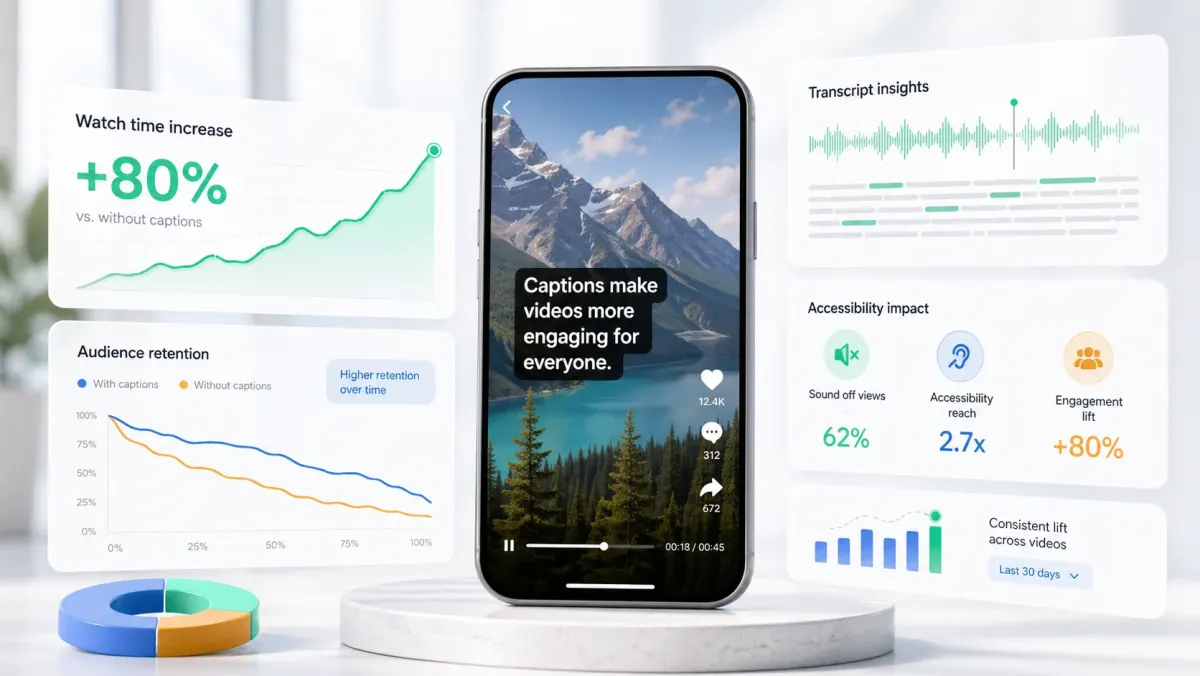
Instagram Reels safe zones are the areas of a 9:16 video that remain visible after Instagram adds usernames, captions, audio labels, buttons, comments, and ad CTAs. Meta's own Reels ads guidance recommends vertical 9:16 video with key messages inside the safe zone, and Meta has published performance claims for Reels ads built with audio, vertical format, and safe-zone-aware creative. The practical takeaway: safe zones are not just a design preference; they affect whether viewers can read and act on the message.
The safest Reels layout is a centered composition with key text and captions away from the top edge, bottom metadata area, and right-side buttons. For 1080x1920 exports, keep the top roughly 250px clean, treat the bottom 420-600px as risky depending on organic versus ad placement, and avoid placing important text in the right-side action column.
Reels are not the same as TikTok
The two platforms look similar because both are vertical feeds, but the overlays are not identical. Instagram has its own username, caption, audio, like, comment, share, remix, follow, and ad surfaces. A TikTok caption position can work on Reels, but it should not be copied blindly. Reels also appear in multiple contexts: the Reels tab, profile grid, Explore, feed preview, and ads placements. Each context can crop or cover the file differently.
- Design the main 9:16 video for Reels playback.
- Keep the cover readable when cropped in the profile grid.
- Avoid putting the only headline at the very bottom.
- Keep logos, prices, and CTAs inside the central vertical field.
- Preview the post in Instagram before publishing if the asset is important.
Where captions should go on Instagram Reels
Captions usually work best in the lower-middle area: low enough that they do not cover the face, high enough that they clear username, caption, audio, and CTA overlays. For talking-head content, place captions below the chin or upper chest if the frame allows it. For product demos, keep captions in a compact box and move them away from hands, prices, and product labels.
If your Reel has a long description, pinned comment, paid partnership label, or shopping tag, be more conservative. Move the caption block higher and keep it shorter. The goal is not to use every pixel; it is to preserve the message after Instagram adds its own interface.
Free Reels safe-zone overlay
Use the free 1080x1920 overlay at /blog/instagram-reels-safe-zone-overlay.svg. It marks the top 250px, bottom 520px, right 160px, and left 60px as caution zones so headline text, subtitles, logos, faces, and CTAs stay inside the central field. Or preview margins interactively at /tools/safe-zone-preview.
Use the overlay as a conservative guide, not a legal specification. Instagram changes UI details over time and tests variations across accounts. The safest habit is to keep the central subject and caption readable even if an extra label or button appears on the published post.
Reels ad creative: what Meta rewards
Meta's public Reels ads page emphasizes three creative fundamentals: vertical 9:16 video, audio, and key messages inside the safe zone. For advertisers, that means a square feed asset stretched into Reels is usually weak. Native Reels creative should use the full vertical canvas, keep the product or speaker central, and reserve clean space for captions and offer text.
- 01Open with the result or problem in the first two seconds.
- 02Use captions or on-screen text so the ad works with sound off.
- 03Keep the product, price, and CTA away from native UI.
- 04Use one clear visual focus instead of multiple competing labels.
- 05Check the preview in Ads Manager before spending budget.
How to set Reels captions in SoCaptions
In SoCaptions, generate the transcript, pick a readable preset, and then move the caption block into the lower-middle safe area. Box works well for educational Reels and software walkthroughs. Bold Outline works well for lifestyle clips, fitness, food, street footage, and bright backgrounds. Karaoke works when the script is fast and the active word needs to pull attention.
The best Reels captions are not only accurate. They are placed like part of the edit. Once you find a safe placement for your usual framing, reuse it across posts so your content feels consistent and viewers know where to read.
FAQ
What is the Instagram Reels safe zone?
The Instagram Reels safe zone is the central area of a 9:16 video (1080×1920) that remains visible after Instagram adds UI elements. Keep text and key visuals inside roughly y:250px to y:1360px and avoid the right-side action column (≈160px from the right edge). The exact cutoffs vary slightly for organic posts vs. ads.
Where should captions be placed on Reels?
Place captions in the lower-center of the safe zone, roughly between y:1000px and y:1350px on a 1080×1920 canvas. Avoid the bottom 520px for ads (more aggressive overlay) or bottom 420px for organic posts. Centering horizontally and using bold text with a stroke or plate ensures captions are readable on both feed preview and full Reels playback.
How do I check my Reels safe zone before posting?
Use the free safe zone preview tool at /tools/safe-zone-preview — upload your frame or video and the overlay shows exactly which areas are covered by Instagram's UI. You can also check inside Instagram's own clip editor, which shows a crop preview before you publish.