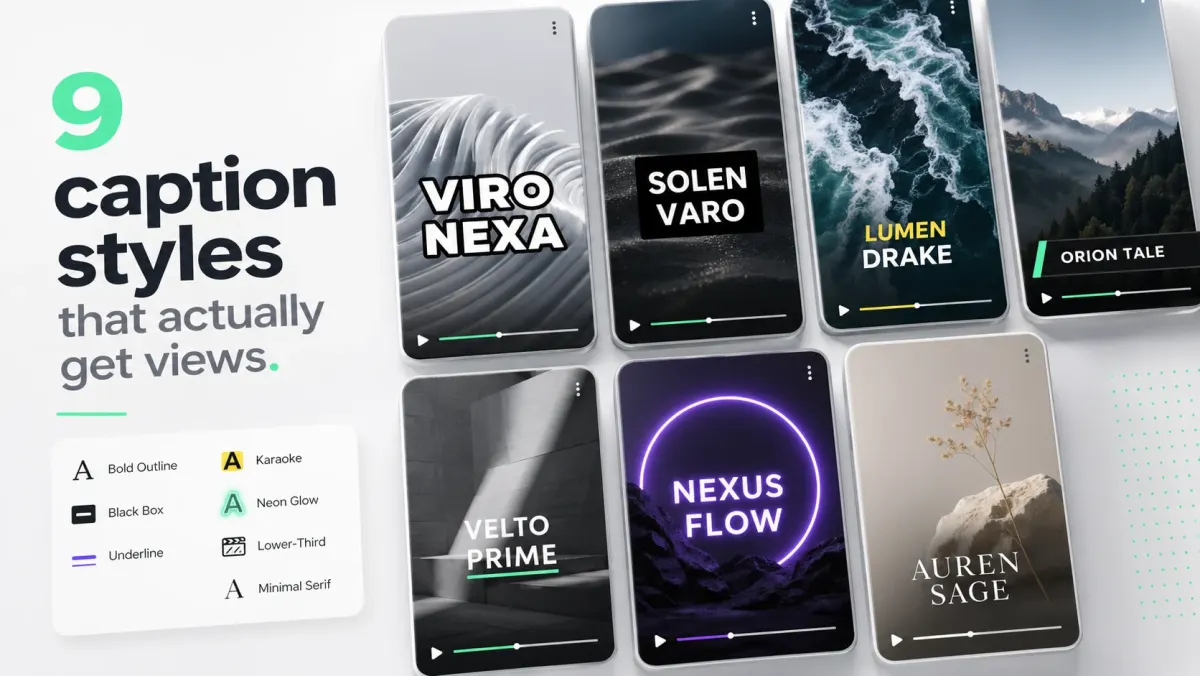
Podcast video grew 4× between 2022 and 2026. The strongest predictor of which podcast clips break out isn't the punchline — it's the captioning. Clean, reading-led captions outperform shouted-stylized captions on the podcast clip category, because the audience is reading-leaning by default.
The 60-second pattern
30–90 seconds is the working range. 60 seconds is the median best performer. Anything under 30s rarely lands the punchline; anything over 90s leaks viewers. Cut around a single sentence-long argument that stands without context.
Two-color speaker captions
Assign one accent color per speaker. Two speakers, two colors. Don't add labels — viewers track color faster than text labels, and labels eat caption real estate. SoCaptions' speaker-color preset handles this with one click.
Calmer font than vlog content
Podcast clip viewers are reading-leaning. They don't need shouty fonts. Inter SemiBold or Inter Bold (not Black) at 56–68px reads as premium without feeling like a TikTok ad. Pair with a black stroke or a white-on-translucent-plate.
Always export the matching SRT to the long-form
The clip is the front door. The long-form episode is the conversion. Upload the matching SRT to the long-form YouTube episode — the transcript ranks for the conversation's keywords, and viewers who like the clip can find the rest of the episode.
Layout: speaker on top, gameplay-style
For two-person podcasts: top half for one speaker's face, captions in the upper-middle, second speaker's audio attributed by caption color. Don't try to fit both faces side-by-side in a 9:16 frame; faces become too small to read expression.
Hook the first 3 seconds
The first caption is the hook. Cut to a sentence that's 60% of the value of the entire clip in the first 3 seconds. Captions raise the floor on retention, but only if the hook is strong enough that the audience reads it.
Cross-post the same MP4 to all four platforms
Burned-in captions survive cross-post. One MP4 for TikTok, Reels, Shorts, and LinkedIn. Don't re-render per platform — re-rendering compresses captions twice and drops quality.