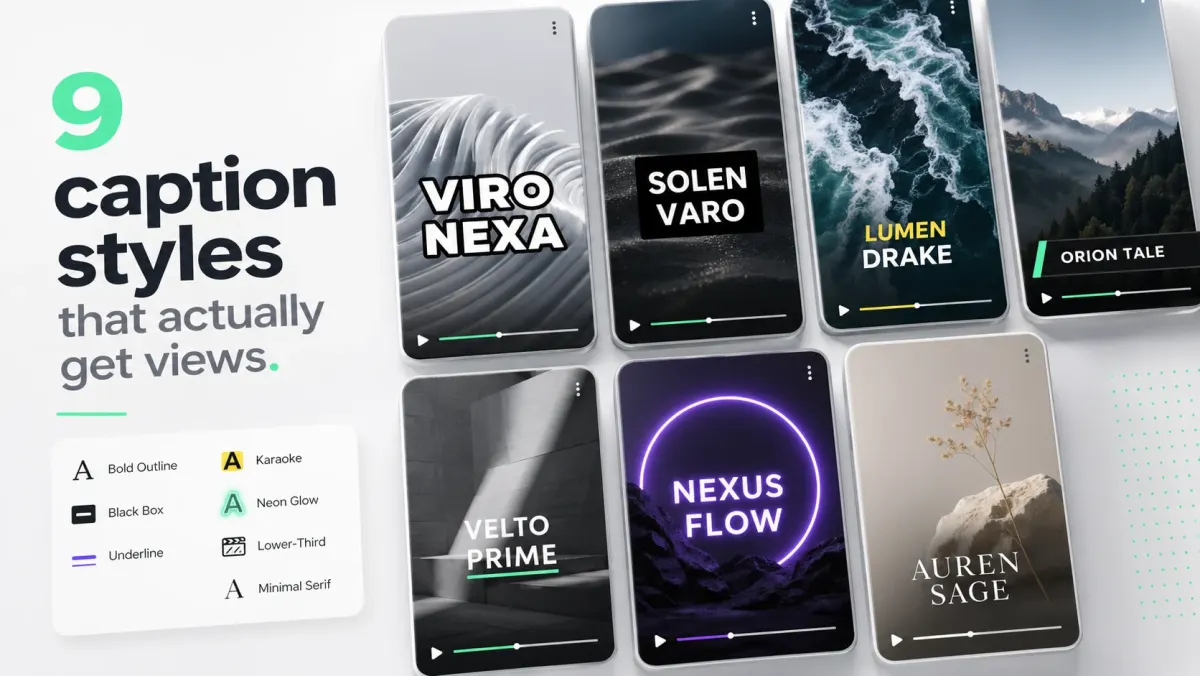
We tested 18 caption tools across the same five videos: a clean podcast cut, a noisy outdoor vlog, a tutorial screen-recording, a fast-talking reaction clip, and a sermon. Accuracy was measured against a hand-corrected reference. Workflow time was measured from upload to publishable MP4. Pricing was tracked at the lowest paid tier.
1. SoCaptions
Best for: creators captioning short-form video. Whisper-grade accuracy, viral preset library, MP4 export with captions burned in, $5/mo for 100 minutes. Workflow: upload → 15s transcription → pick preset → export. Under a minute end to end.
2. CapCut
Best for: creators who want a full mobile editor. Free auto-captions inside the editor, decent accuracy, hundreds of templates. The catch: heavy app, captions are one feature among many, slower than a dedicated tool. Win for editing-heavy workflows; lose for pure captioning speed.
3. Submagic
Best for: viral-style short-form creators who want preset variety. Strong on captioning aesthetics, decent transcription. Pricing climbs fast above the entry tier. Win for style maximalists; lose on cost over volume.
4. Descript
Best for: podcast and long-form editors. Edits audio by editing the transcript, which is genuinely magical for podcasts. Captions are an output, not the focus. Win for podcasters; overkill if you only need captions.
5. Veed
Best for: agencies and team workflows. Browser-based, multi-language, decent collaboration. Captions are competent but not the headline feature. Win for teams with shared assets; less interesting for solo creators.
6. Captions.ai (formerly Captions)
Best for: AI-driven repurposing and avatars. Mobile-first, AI features go beyond captioning into face retouching and AI dubbing. Win for creators who want one-tool-does-everything; lose for those who just want captions.
Tools to skip
- Generic transcription APIs (AssemblyAI, Deepgram) — only useful if you're building a product on top.
- Otter.ai — built for meetings, not captions. Wrong shape of tool.
- Free YouTube auto-caption alone — fine as fallback, weak for cross-posting.
- Any tool that doesn't show its accuracy benchmark publicly — opacity is a tell.
How to choose
Pick the tool that matches your output, not the tool with the most features. If you publish short-form to TikTok / Reels / Shorts, prioritize MP4 export with style presets. If you publish long-form to YouTube, prioritize SRT accuracy. If you cut podcasts, prioritize transcript-as-audio editing. Tools that try to do all three are usually mediocre at all three.