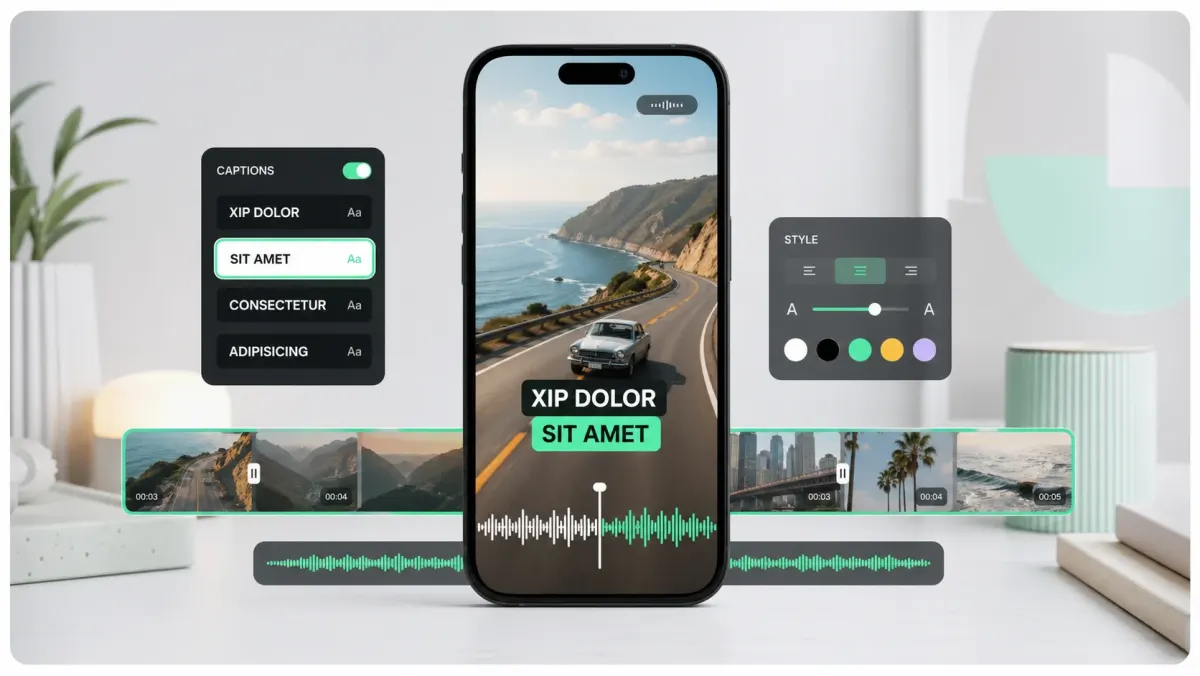
Course platforms vary in how they accept and display captions. Teachable, Kajabi, Thinkific, Podia, Udemy, and Coursera support caption workflows, but the upload path and accepted format can change. Generate captions from the final lesson, proofread names and technical terms, then check the platform's current requirements before publishing.
Why captions matter more for courses than for social
Course viewers are not scrolling — they are studying. They re-watch. They search. They take notes. Captions support all three behaviors: re-watching is faster when you can scan a transcript, search jumps directly to the segment that mentioned a keyword, and notes get easier when the words are visible.
- Comprehension: learners can follow speech in noisy environments or when audio is unavailable.
- Accessibility: a properly authored caption track supports viewers who need text; verify any legal or institutional requirement for your audience.
- Internationalization: a clean source transcript is easier to translate and review into additional languages.
- Searchability: a text transcript can support platform search and on-page discoverability when the destination exposes it.
The practical workflow
- 01Export each lesson as a final MP4. Do not caption the rough cut — you will redo it.
- 02Upload to a caption tool (SoCaptions, Whisper API, Rev). Generate the transcript in 30–90 seconds per lesson.
- 03Review the transcript. Fix product names, technical terms, acronyms, and numbers. The model gets verbs right but proper nouns wrong.
- 04Export an SRT file (universal) or VTT (for web-native players).
- 05Upload the SRT/VTT alongside the video on your platform. Teachable, Kajabi, Thinkific, and Podia all accept SRT.
- 06For platforms without native caption support, burn captions into the MP4 instead.
Platform-specific notes
- Teachable: SRT upload per lecture in the lecture editor. Toggle captions on by default.
- Kajabi: VTT upload via the lesson video settings. Multiple language tracks supported.
- Thinkific: SRT or VTT upload per video. Captions are toggleable for students.
- Podia: VTT upload per lesson video.
- Self-hosted (Vimeo, Mux, Bunny): SRT or VTT track on the player. Easy.
- Custom HTML5 player: VTT via the <track> element.
Edit pass: what to fix and what to leave
Automatic transcription is a starting point, not a finished lesson asset. Review product names, jargon, acronyms, numbers, URLs, and speaker changes first — those errors are especially distracting in educational content.
- Fix: product names, library names, function names, acronyms, numbers, prices, URLs, brand names.
- Fix: timing drift greater than ~250ms — captions that lag the speaker break flow.
- Leave: ums, ahs, false starts. They make the transcript human.
- Leave: minor punctuation. Most viewers do not notice missing commas.
Translation for global enrollment
Once you have a clean source SRT, translation becomes easier to review because the timing and line breaks already exist. Translate each lesson into the languages your audience actually needs, then proofread names, terminology, and reading speed before uploading additional tracks.
Estimate the work per lesson, start with the course modules that get the most traffic, and reuse the corrected transcript for captions, notes, translations, and support content.
FAQ
Do online courses need subtitles?
Many course creators add subtitles because they improve access, make lessons easier to review, and support translation. Whether captions are legally or contractually required depends on the institution, audience, jurisdiction, and platform. Check the current requirements for your course before publishing.
What subtitle format do course platforms use?
SRT is universally accepted — Teachable, Kajabi, Thinkific, Podia, Udemy, Coursera, and Skillshare all accept SRT. VTT is supported by Kajabi, Mux, and self-hosted HTML5 players using the <track> element. If you're not sure which format a platform accepts, start with SRT — it converts to VTT in seconds and has never broken on any major LMS.
How do I add subtitles to Teachable videos?
In Teachable, open the course editor, click the lecture you want to caption, click the video block, and look for the Captions section in the video settings panel. Upload your SRT file and assign it a language. Teachable renders the captions as a toggleable CC track in the Teachable player. Repeat per lecture — Teachable doesn't have a bulk upload option as of 2026.
How do I add subtitles to Kajabi videos?
In Kajabi, go to the Product, open the post (lesson), and click the video thumbnail to open video settings. There is a Subtitles/Captions section where you can upload a VTT file per language. Kajabi's player supports multiple language tracks, so if you have translations, upload each as a separate VTT. English first, then additional languages.
How long does it take to caption a one-hour course?
With AI transcription, the bulk of the work is under 2 hours for a one-hour course: about 30 seconds of AI generation per 10-minute lesson, then 15–20 minutes of review per hour of audio to fix names, product terms, and numbers. Human transcription costs $1–3 per minute of audio and takes 24–48 hours turnaround. For most course creators, AI + manual review is the right balance — it catches the 5–8% that actually matters.